🦙
LaMa: Resolution-robust Large Mask Inpainting with Fourier Convolutions
Official implementation by Samsung Research
by Roman Suvorov, Elizaveta Logacheva, Anton Mashikhin, Anastasia Remizova, Arsenii Ashukha, Aleksei Silvestrov, Naejin Kong, Harshith Goka, Kiwoong Park, Victor Lempitsky.
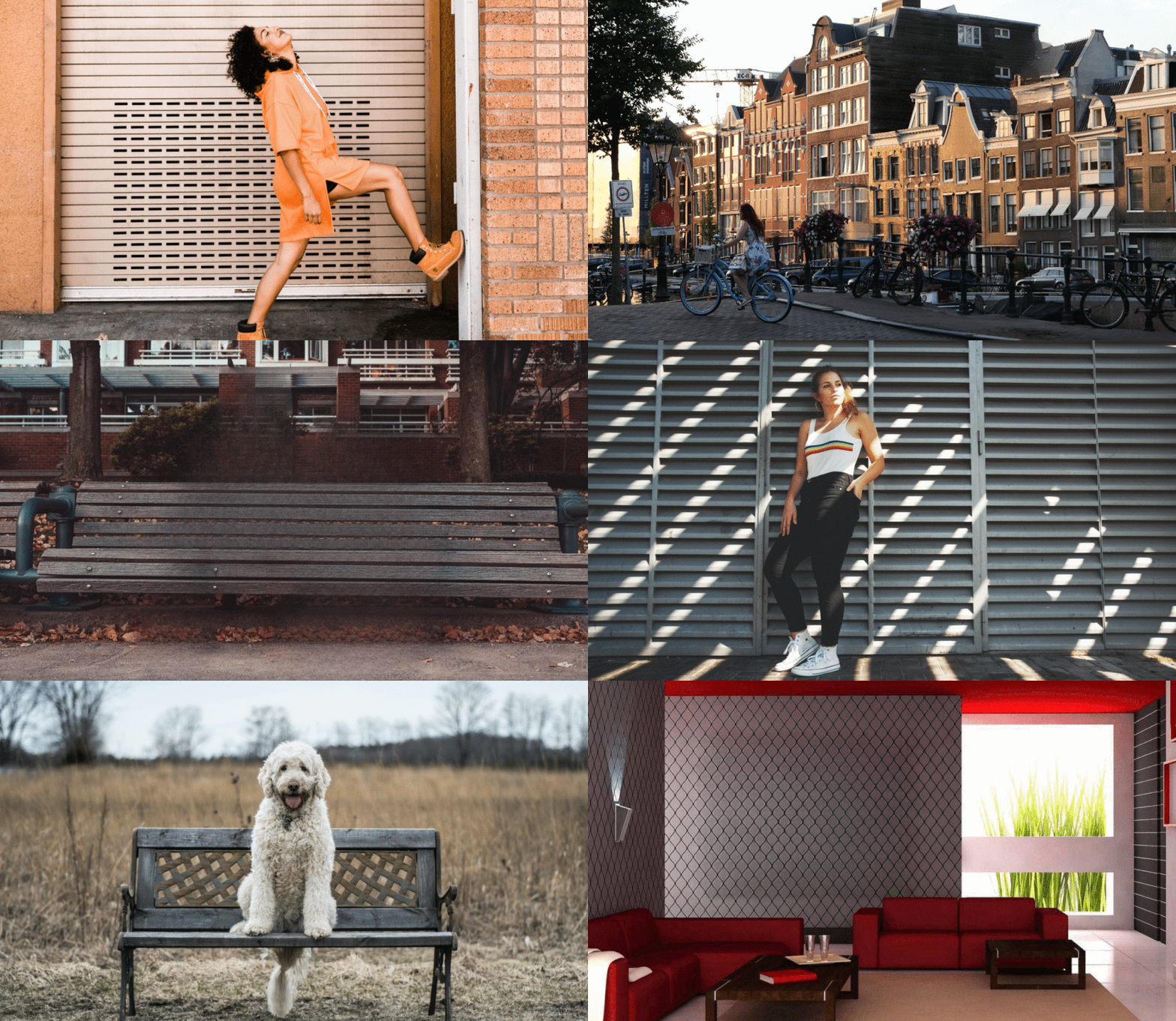
LaMa generalizes surprisingly well to much higher resolutions (~2k
[Project page] [arXiv] [Supplementary] [BibTeX]

Try out in Google Colab
Environment setup
Clone the repo: git clone https://github.com/saic-mdal/lama.git
There are three options of an environment:
-
Python virtualenv:
virtualenv inpenv --python=/usr/bin/python3 source inpenv/bin/activate pip install torch==1.8.0 torchvision==0.9.0 cd lama pip install -r requirements.txt -
Conda
% Install conda for Linux, for other OS download miniconda at https://docs.conda.io/en/latest/miniconda.html wget https://repo.anaconda.com/miniconda/Miniconda3-latest-Linux-x86_64.sh bash Miniconda3-latest-Linux-x86_64.sh -b -p $HOME/miniconda $HOME/miniconda/bin/conda init bash cd lama conda env create -f conda_env.yml conda activate lama conda install pytorch torchvision torchaudio cudatoolkit=10.2 -c pytorch -y pip install pytorch-lightning==1.2.9 -
Docker: No actions are needed
🎉 .
Inference
Run
cd lama
export TORCH_HOME=$(pwd) && export PYTHONPATH=.
1. Download pre-trained models
Install tool for yandex disk link extraction:
pip3 install wldhx.yadisk-direct
The best model (Places2, Places Challenge):
curl -L $(yadisk-direct https://disk.yandex.ru/d/ouP6l8VJ0HpMZg) -o big-lama.zip
unzip big-lama.zip
All models (Places & CelebA-HQ):
curl -L $(yadisk-direct https://disk.yandex.ru/d/EgqaSnLohjuzAg) -o lama-models.zip
unzip lama-models.zip
2. Prepare images and masks
Download test images:
curl -L $(yadisk-direct https://disk.yandex.ru/d/xKQJZeVRk5vLlQ) -o LaMa_test_images.zip
unzip LaMa_test_images.zip
OR prepare your data:
1) Create masks named as `[images_name]_maskXXX[image_suffix]`, put images and masks in the same folder.- You can use the script for random masks generation.
- Check the format of the files:
image1_mask001.png
image1.png
image2_mask001.png
image2.png
- Specify
image_suffix, e.g..pngor.jpgor_input.jpginconfigs/prediction/default.yaml.
3. Predict
On the host machine:
python3 bin/predict.py model.path=$(pwd)/big-lama indir=$(pwd)/LaMa_test_images outdir=$(pwd)/output
OR in the docker
The following command will pull the docker image from Docker Hub and execute the prediction script
bash docker/2_predict.sh $(pwd)/big-lama $(pwd)/LaMa_test_images $(pwd)/output device=cpu
Docker cuda: TODO
Train and Eval
Make sure you run:
cd lama
export TORCH_HOME=$(pwd) && export PYTHONPATH=.
Then download models for perceptual loss:
mkdir -p ade20k/ade20k-resnet50dilated-ppm_deepsup/
wget -P ade20k/ade20k-resnet50dilated-ppm_deepsup/ http://sceneparsing.csail.mit.edu/model/pytorch/ade20k-resnet50dilated-ppm_deepsup/encoder_epoch_20.pth
Places
On the host machine:
# Download data from http://places2.csail.mit.edu/download.html
# Places365-Standard: Train(105GB)/Test(19GB)/Val(2.1GB) from High-resolution images section
wget http://data.csail.mit.edu/places/places365/train_large_places365standard.tar
wget http://data.csail.mit.edu/places/places365/val_large.tar
wget http://data.csail.mit.edu/places/places365/test_large.tar

# Unpack and etc.
bash fetch_data/places_standard_train_prepare.sh
bash fetch_data/places_standard_test_val_prepare.sh
bash fetch_data/places_standard_evaluation_prepare_data.sh

# Sample images for test and viz at the end of epoch
bash fetch_data/places_standard_test_val_sample.sh
bash fetch_data/places_standard_test_val_gen_masks.sh

# Run training
# You can change bs with data.batch_size=10
python bin/train.py -cn lama-fourier location=places_standard

# Infer model on thick/thin/medium masks in 256 and 512 and run evaluation
# like this:
python3 bin/predict.py \
model.path=$(pwd)/experiments/

    _

     _lama-fourier_/ \
indir=$(pwd)/places_standard_dataset/evaluation/random_thick_512/ \
outdir=$(pwd)/inference/random_thick_512 model.checkpoint=last.ckpt

python3 bin/evaluate_predicts.py \
$(pwd)/configs/eval_2gpu.yaml \
$(pwd)/places_standard_dataset/evaluation/random_thick_512/ \
$(pwd)/inference/random_thick_512 $(pwd)/inference/random_thick_512_metrics.csv
Docker: TODO
CelebA
On the host machine:
# Make shure you are in lama folder
cd lama
export TORCH_HOME=$(pwd) && export PYTHONPATH=.

# Download CelebA-HQ dataset
# Download data256x256.zip from https://drive.google.com/drive/folders/11Vz0fqHS2rXDb5pprgTjpD7S2BAJhi1P

# unzip & split into train/test/visualization & create config for it
bash fetch_data/celebahq_dataset_prepare.sh

# generate masks for test and visual_test at the end of epoch
bash fetch_data/celebahq_gen_masks.sh

# Run training
python bin/train.py -cn lama-fourier-celeba data.batch_size=10

# Infer model on thick/thin/medium masks in 256 and run evaluation
# like this:
python3 bin/predict.py \
model.path=$(pwd)/experiments/

    _

     _lama-fourier-celeba_/ \
indir=$(pwd)/celeba-hq-dataset/visual_test_256/random_thick_256/ \
outdir=$(pwd)/inference/celeba_random_thick_256 model.checkpoint=last.ckpt
Docker: TODO
Places Challenge
On the host machine:
# This script downloads multiple .tar files in parallel and unpacks them
# Places365-Challenge: Train(476GB) from High-resolution images (to train Big-Lama)
bash places_challenge_train_download.sh

TODO: prepare
TODO: train
TODO: eval
Docker: TODO
Create your data
On the host machine:
Explain explain explain
TODO: format
TODO: configs
TODO: run training
TODO: run eval
OR in the docker:
TODO: train
TODO: eval
Hints
Generate different kinds of masks
The following command will execute a script that generates random masks.
bash docker/1_generate_masks_from_raw_images.sh \
    configs/data_gen/random_medium_512.yaml \
    /directory_with_input_images \
    /directory_where_to_store_images_and_masks \
    --ext png
The test data generation command stores images in the format, which is suitable for prediction.
The table below describes which configs we used to generate different test sets from the paper. Note that we do not fix a random seed, so the results will be slightly different each time.
| Places 512x512 | CelebA 256x256 | |
|---|---|---|
| Narrow | random_thin_512.yaml | random_thin_256.yaml |
| Medium | random_medium_512.yaml | random_medium_256.yaml |
| Wide | random_thick_512.yaml | random_thick_256.yaml |
Feel free to change the config path (argument #1) to any other config in configs/data_gen or adjust config files themselves.
Override parameters in configs
Also you can override parameters in config like this:
python3 bin/train.py -cn

     data.batch_size=10 run_title=my-title
Where .yaml file extension is omitted
Models options
Config names for models from paper (substitude into the training command):
* big-lama
* big-lama-regular
* lama-fourier
* lama-regular
* lama_small_train_masks
Which are seated in configs/training/folder
Links
- All the data (models, test images, etc.) https://disk.yandex.ru/d/AmdeG-bIjmvSug
- Test images from the paper https://disk.yandex.ru/d/xKQJZeVRk5vLlQ
- The pre-trained models https://disk.yandex.ru/d/EgqaSnLohjuzAg
- The models for perceptual loss https://disk.yandex.ru/d/ncVmQlmT_kTemQ
- Our training logs are available at https://disk.yandex.ru/d/9Bt1wNSDS4jDkQ
Training time & resources
TODO
Acknowledgments
- Segmentation code and models if form CSAILVision.
- LPIPS metric is from richzhang
- SSIM is from Po-Hsun-Su
- FID is from mseitzer
Citation
If you found this code helpful, please consider citing:
@article{suvorov2021resolution,
  title={Resolution-robust Large Mask Inpainting with Fourier Convolutions},
  author={Suvorov, Roman and Logacheva, Elizaveta and Mashikhin, Anton and Remizova, Anastasia and Ashukha, Arsenii and Silvestrov, Aleksei and Kong, Naejin and Goka, Harshith and Park, Kiwoong and Lempitsky, Victor},
  journal={arXiv preprint arXiv:2109.07161},
  year={2021}
}

 48 Sep 27, 2022
 427 Dec 25, 2022
 10 Dec 10, 2022
 10 Nov 20, 2022
 5 Mar 30, 2022
 274 Dec 06, 2022
 47 Dec 06, 2022
 53 Dec 17, 2022
 809 Dec 16, 2022
 210 Dec 21, 2022
 1 Nov 19, 2021
 81 Dec 25, 2022
 2 Dec 20, 2022
 85 Jan 04, 2023
 5.2k Dec 28, 2022
 189 Dec 29, 2022
 110 Nov 23, 2022
 2 Jan 14, 2022
 43 Nov 11, 2022
 215 Dec 17, 2022