Make tree planting a part of your daily workflow. 🌳

Overview

Continuous Reforestation

Make tree planting a part of your daily workflow. 🌳

A GitHub Action for planting trees within your development workflow using the Reforestation as a Service (RaaS) API developed by DigitalHumani. Planting trees is an easy way to make a difference in the fight against climate change. Every tree helps to bind CO2 as long as it grows and creates living space for wildlife. Automating the process gives you total control of where, when and how much you want to contribute while saving you the fuss of doing the whole process manually. By using the RaaS API, you or your project can plant trees in a transparent way by exposing the API calls and related statistics.

Actions Status Actions Status

Use cases

Plant trees on ...

  • pull requests (and/or push, ...).
  • failed or successful tests.
  • the very first contribution to an open source project.
  • a new release, a milestone, or a closed issue.
  • a scheduled event (i.e. once per week).
  • the carbon footprint of your digital products after deployment.

See more possible trigger events here.

Usage

  1. 🏁 To get started, you need an account with DigitalHumani RaaS. Since they are currently in the early stages, you have to contact them to get an account. Send them an email here. You also receive the API key value corresponding for your enterprise ID. This is your secret authentication key. Do not add your API key to your workfile yaml file.

  2. ✂️ Copy the example worflow to /.github/workflow/integration.yaml and change the variables in the workflow to your data. Set the production variable to false to test your implementation within the sandboxed development API. Push your script to GitHub and check the GitHub Action tab of your project. If you use GitHub Action for the first time, activate it when prompted.

  3. 📈 An open dashboard is provided to ensure a high level of transparency. This is currently under development and will show additional details. For this purpose visit: https://digitalhumani.com/dashboard/

  4. 🗝️ Add your authentication key as a secret in your repository Settings -> Secrets -> New Repository Secret: Name: RAASKEY, Value: . You can also add it as an organization wide secret in the setting of your organization.

  5. 🌱 Verify the number of trees planted in the dashboard development statistics. Set the production variable to true and push this commit. You now have left the development environment and started planting trees. From now on every configured trigger will continuously request to plant trees. At the end of each month you will be asked to confirm your requested amount of trees.

To see a list of all supported reforestation projects and more details on the RaaS API read the documentation of DigitalHumani.

Disclaimer: Even though this workflow automates the request to plant trees, the planting process itself remains manual labour by the reforestation organisations. They are also the people who write your invoice. Due to the amount of work it requires to write these invoices, DigitalHumani accumulates your plant requests until you reach a certain number, depending on your chosen reforestation project, before issuing the order. Below are the least required amounts to receive a monthly invoice and actually plant trees. If you plant more, don't mind this disclaimer.

Reforestation project Necessary number of requested trees
Chase Africa 20
Conserve Natural Forests 20
OneTreePlanted 1
Sustainable Harvest International 50
TIST 20

Example workflows

name: Plant a tree on a successful merged pull request to your main branch
on: 
  pull_request_target:
    branches:
      - main
    types:
      - closed
jobs:
  planttrees:
    runs-on: ubuntu-latest
    steps:
      - name: Plant a Tree
        if: github.event.pull_request.merged == true
        id: planttrees
        uses: protontypes/[email protected]
        with:
        # Enter your API variables below
            apikey: ${{ secrets.raaskey }}
            enterpriseid: ""
            user: ${{ github.actor }}
            treecount: 1
            projectid: "14442771" # This projectid can be used to have your trees planted where they are needed the most.
            production: "true"

      - name: Response of digitalhumani.com RaaS API
        run: |
            echo "${{ steps.planttrees.outputs.response }}"
name: Plant a tree on every push to main
on:
  push:
    branches:
      - main
jobs:
  planttrees:
    runs-on: ubuntu-latest
    steps:
      - name: Plant a Tree
        id: planttrees
        uses: protontypes/[email protected]
        with:
        # Enter your API variables below
            apikey: ${{ secrets.raaskey }}
            enterpriseid: ""
            user: ${{ github.actor }}
            treecount: 1
            projectid: "14442771" # This projectid can be used to have your trees planted where they are needed the most, so this is a great ID to use by default when making the API call. 
            production: "true"

      - name: Response of digitalhumani.com RaaS API
        run: |
            echo "${{ steps.planttrees.outputs.response }}"

Inputs

Input Description
apikey Your API secret key to the digitalhumani.com RaaS API.
enterpriseid ID of your enterprise.
user End user by whom the trees were planted. Default is your GitHub user name.
projectid ID of the reforestation project for where you want the trees to be planted.
treecount Number of trees requested to plant per API call as integer. Every tree will create costs of $1 per tree.
production Set true for the production API or false for the development API.

Outputs

Output Description
response JSON response of the RaaS API
You might also like...
A simple automation script that logs into your kra account and files your taxes with one command

EASY_TAX A simple automation script that logs into your kra account and files your taxes with one command Currently works for Chrome users. Will creat

Ralph is a command-line tool to fetch, extract, convert and push your tracking logs from various storage backends to your LRS or any other compatible storage or database backend.

Ralph is a command-line tool to fetch, extract, convert and push your tracking logs (aka learning events) from various storage backends to your

Limit your docker image size with a simple CLI command. Perfect to be used inside your CI process.

docker-image-size-limit Limit your docker image size with a simple CLI command. Perfect to be used inside your CI process. Read the announcing post. I

Quickly open any path on your terminal window in your $EDITOR of choice!

Tmux fpp Plugin wrapper around Facebook PathPicker. Quickly open any path on your terminal window in your $EDITOR of choice! Demo Dependencies fpp - F

TerminalGV is a very simple client to display stats about your SNCF TGV/TER train in your terminal.

TerminalGV So I got bored in the train, TerminalGV is a very simple client to display stats about your SNCF TGV/TER train in your terminal. The "on-tr

PathPicker accepts a wide range of input -- output from git commands, grep results, searches -- pretty much anything.After parsing the input, PathPicker presents you with a nice UI to select which files you're interested in. After that you can open them in your favorite editor or execute arbitrary commands. Magnificent app which corrects your previous console command.
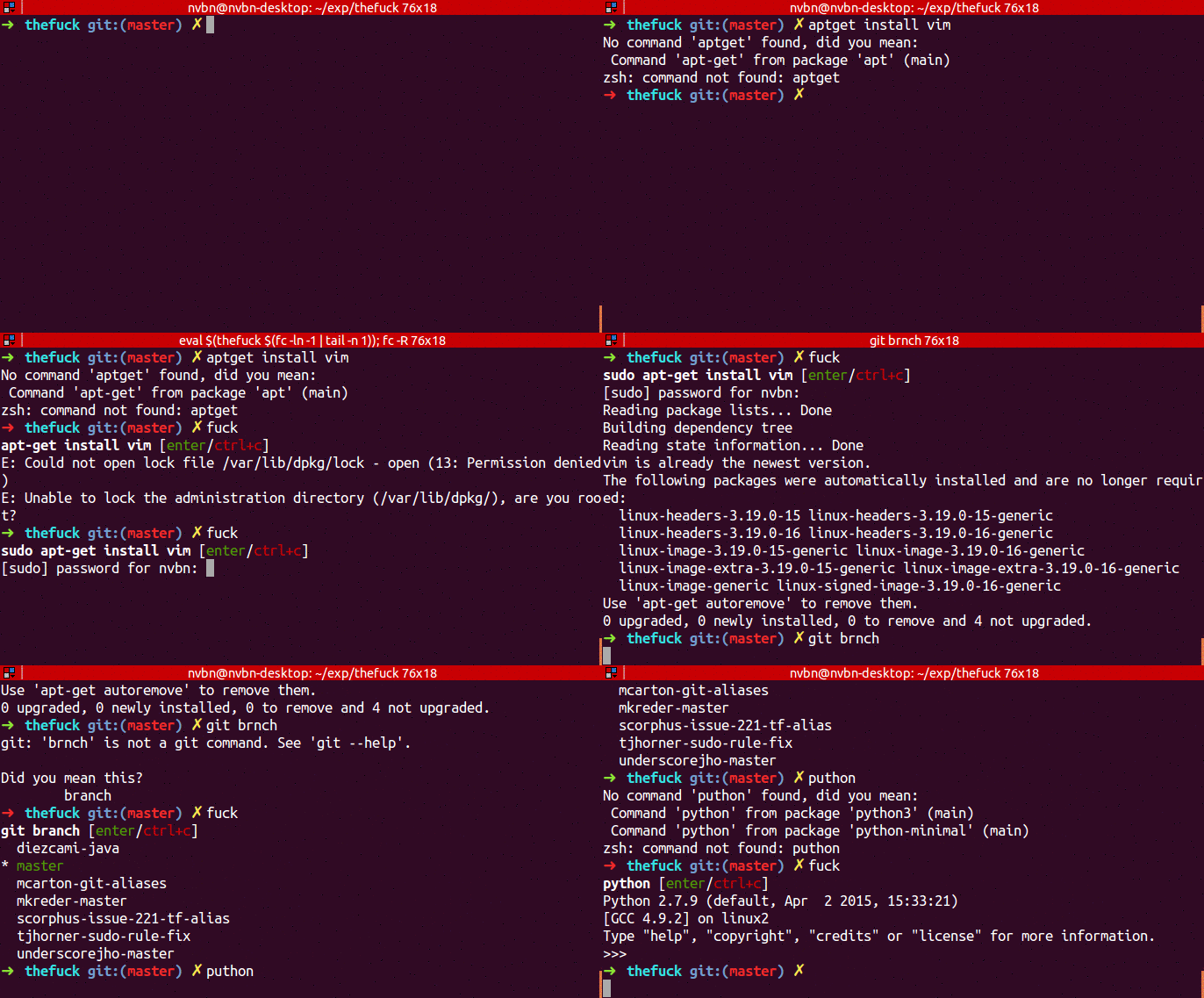
Magnificent app which corrects your previous console command.

The Fuck The Fuck is a magnificent app, inspired by a @liamosaur tweet, that corrects errors in previous console commands. Is The Fuck too slow? Try t

CLI program that allows you to change your Alacritty config with one command without editing the config file.

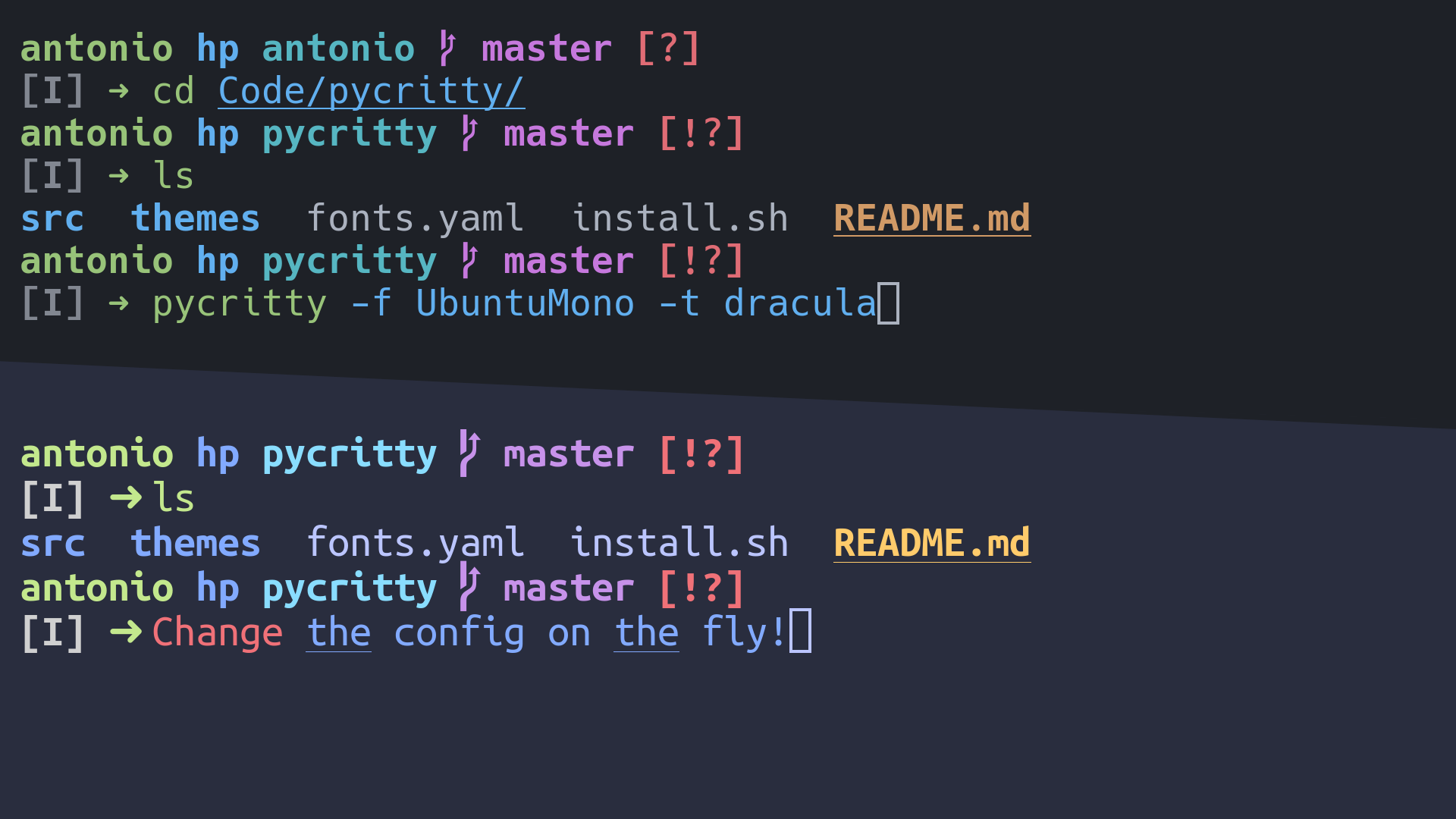
Pycritty Change your alacritty config on the fly! Installation: pip install pycritty By default, only the program itself will be installed, but you ca

Open a file in your locally running Visual Studio Code instance from arbitrary terminal connections.

code-connect Open a file in your locally running Visual Studio Code instance from arbitrary terminal connections. Motivation VS Code supports opening

Comments
  • Workflow passes successful even though a error is returned.

    Workflow passes successful even though a error is returned.

    With a response message: forbidden no plant is added to production. The workflow passes successfully anyway and the green checkmark implies a successful treeplant.

    opened by tjarkdoering 1
  • Fix spelling error in README

    Fix spelling error in README

    After discussion with @Ly0n last week, reviewed the repo for any spelling/grammar mistakes and only found this one. Everything looking great besides that, thanks again for putting this awesome project together.

    Carl @ DigitalHumani

    opened by cjscheller 1
Releases(0.0.3)
Owner
protontypes
Open Accelerator for Free and Sustainable Technology
protontypes
f90nml - A Fortran namelist parser, generator, and editor

f90nml - A Fortran namelist parser, generator, and editor A Python module and command line tool for parsing Fortran namelist files Documentation The c

Marshall Ward 110 Dec 14, 2022
'rl_UK' is an open-source command-line tool in Python for calculating the shortest path between BUS stop sequences in the UK

'rl_UK' is an open-source command-line tool in Python for calculating the shortest path between BUS stop sequences in the UK. As input files, it uses an ATCO-CIF file and 'OS Open Roads' dataset from

Nesh P. 0 Feb 16, 2022
A CLI tool to disable and enable security standards controls in AWS Security Hub

Security Hub Controls CLI A CLI tool to disable and enable security standards controls in AWS Security Hub. It is designed to work together with AWS S

AWS Samples 4 Nov 14, 2022
GDBIGtools: A command line tools for GDBIG varaints browser

GDBIGtools: A command line tools for GDBIG varaints browser Introduction Born in Guangzhou Cohort Study Genome Research Database is based on thousands

广州市出生队列基因组学研究(The genomics study of BIGCS) 7 Sep 14, 2022
Magnificent app which corrects your previous console command.

The Fuck The Fuck is a magnificent app, inspired by a @liamosaur tweet, that corrects errors in previous console commands. Is The Fuck too slow? Try t

Vladimir Iakovlev 75k Jan 02, 2023
(BionicLambda Universal SHell) A simple shell made in Python. Docs and possible C port incoming.

blush 😳 (BionicLambda Universal SHell) A simple shell made in Python. Docs and possible C port incoming. Note: The Linux executables were made on Ubu

3 Jun 30, 2021
This is a CLI utility that allows you to view RedFlagDeals.com on the command line.

RFD Description Motivation Installation Usage View Hot Deals View and Sort Hot Deals Search Advanced View Posts Shell Completion bash zsh Description

Dave G 8 Nov 29, 2022
A webmining CLI tool & library for python.

minet is a webmining command line tool & library for python (= 3.6) that can be used to collect and extract data from a large variety of web sources

médialab Sciences Po 165 Dec 17, 2022
Simple CLI for managing Postgres databases in Flask.

Overview Simple CLI that provides the following commands: flask psql create flask psql init flask psql drop flask psql setup: create → init flask psql

Daniel Reeves 21 Oct 03, 2022
Wordle - Wordle solver with python

wordle what is wordle? https://www.powerlanguage.co.uk/wordle/ preparing $ pip i

shidocchi 0 Jan 24, 2022
Darkdump - Search The Deep Web Straight From Your Terminal

Darkdump - Search The Deep Web Straight From Your Terminal About Darkdump Darkdump is a simple script written in Python3.9 in which it allows users to

Josh Schiavone 264 Dec 30, 2022
Shellmon is a tool used to create and control a webshell remotely, created using the Python3

An Simple PHP Webshell Manager Description Shellmon is a tool used to create and control a webshell remotely, created using the Python3 programming la

22XploiterCrew 12 Dec 30, 2022
CLI tool for one-line installation of C++/CMake projects.

cmakip When working on virtual environments, Python projects can be installed with a single command invocation, for example pip install --no-deps . .

Artificial and Mechanical Intelligence 4 Feb 15, 2022
Oil is a new Unix shell. It's our upgrade path from bash to a better language and runtime

Oil is a new Unix shell. It's our upgrade path from bash to a better language and runtime. It's also for Python and JavaScript users who avoid shell!

2.4k Jan 08, 2023
A python-based terminal application that displays current cryptocurrency prices

CryptoAssetPrices A python-based terminal application that displays current cryptocurrency prices. Covered Cryptocurrencies Bitcoin (BTC) Ethereum (ET

3 Apr 21, 2022
🌌 A Python script to generate blog banners from command line.

Auto Blog Banner Generator A Python script to generate blog banners. This script is used at RavSam. The following image is an example of the blog bann

RavSam 10 Sep 20, 2022
Unofficial Open Corporates CLI: OpenCorporates is a website that shares data on corporations under the copyleft Open Database License. This is an unofficial open corporates python command line tool.

Unofficial Open Corporates CLI OpenCorporates is a website that shares data on corporations under the copyleft Open Database License. This is an unoff

Richard Mwewa 30 Sep 08, 2022
Bear-Shell is a shell based in the terminal or command prompt.

Bear-Shell is a shell based in the terminal or command prompt. You can navigate files, run python files, create files via the BearUtils text editor, and a lot more coming up!

MichaelBear 6 Dec 25, 2021
Several tools that can be added to your `PATH` to make your life easier.

CK-CLI Tools Several tools that can be added to your PATH to make your life easier. prettypath Prints the $PATH variable in a human-readable way. It a

Christopher Kumm 2 Apr 21, 2022
A simple command line tool written in python to manage a to-do list

A simple command line tool written in python to manage a to-do list Dependencies: python Commands: todolist (-a | --add) [(-p | --priority)] [(-l | --

edwloef 0 Nov 02, 2021