Generating Digital Painting Lighting Effects via RGB-space Geometry (SIGGRAPH2020/TOG2020)

Overview

Project PaintingLight

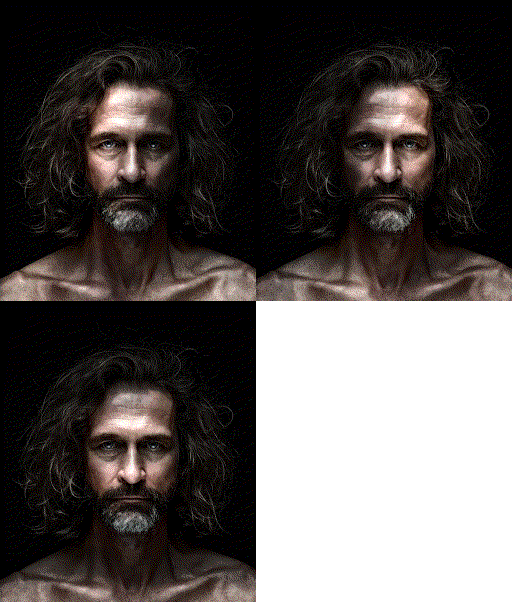
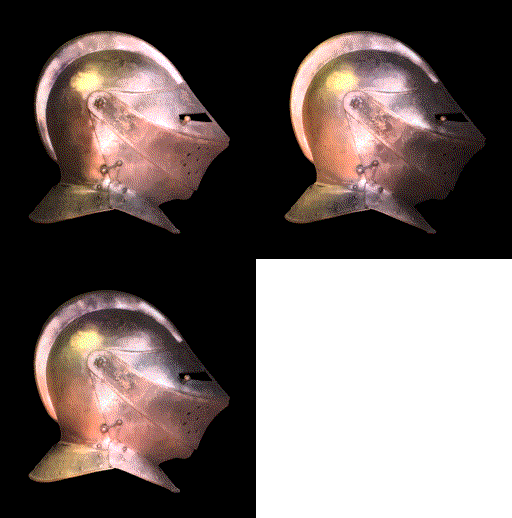
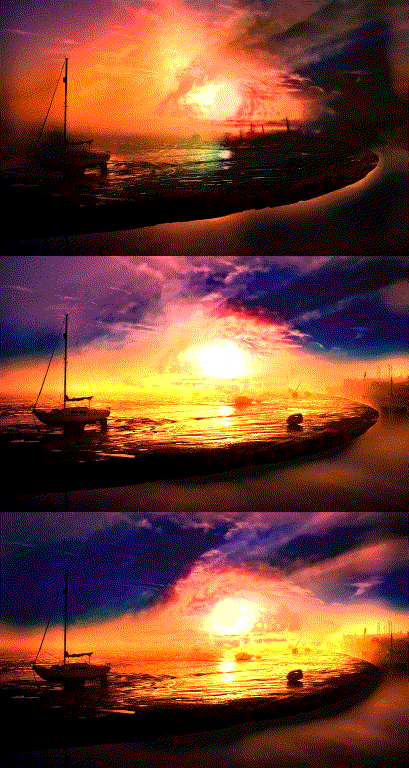
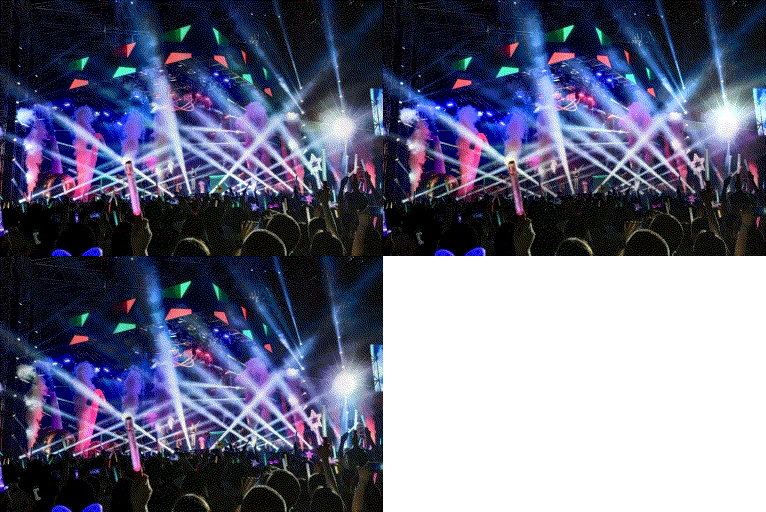
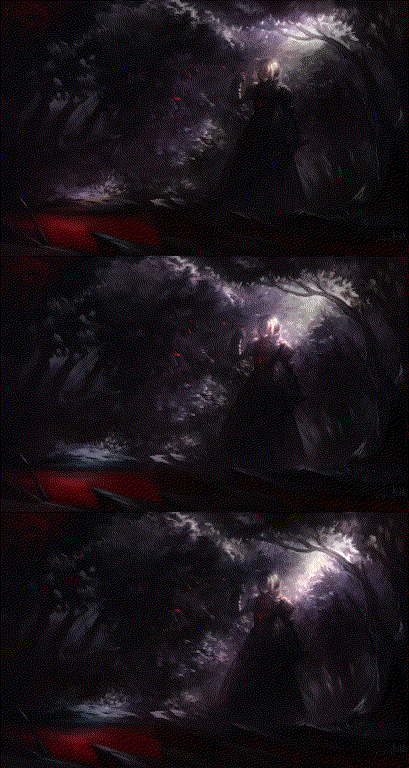
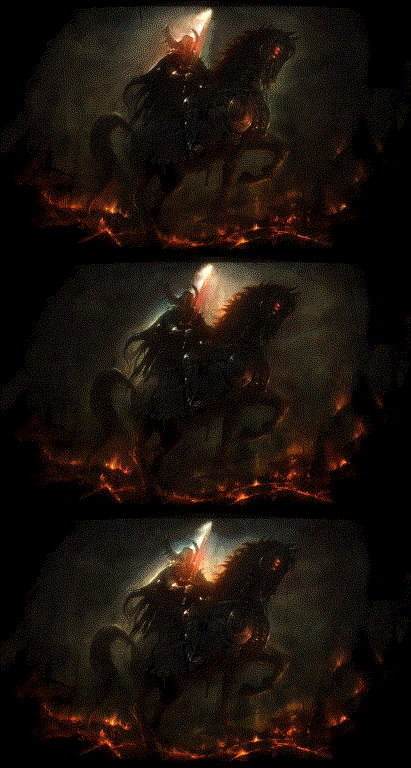
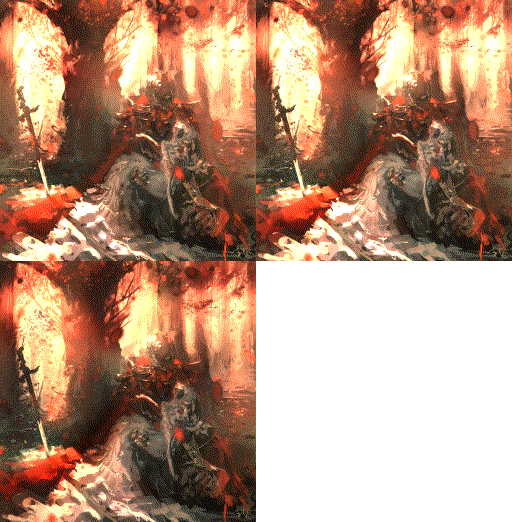
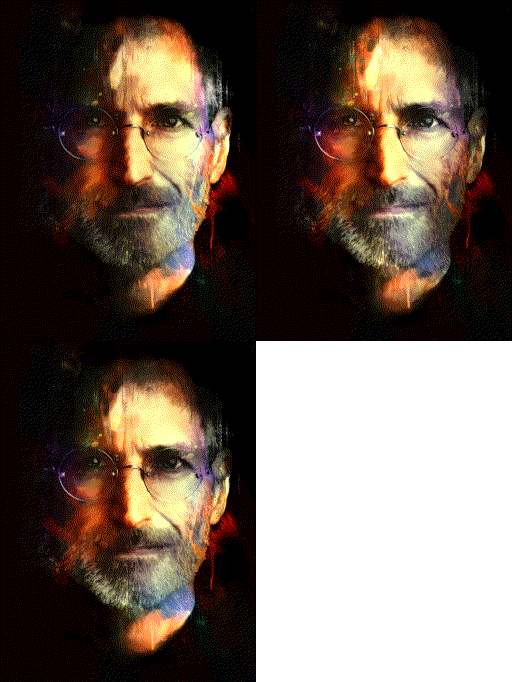
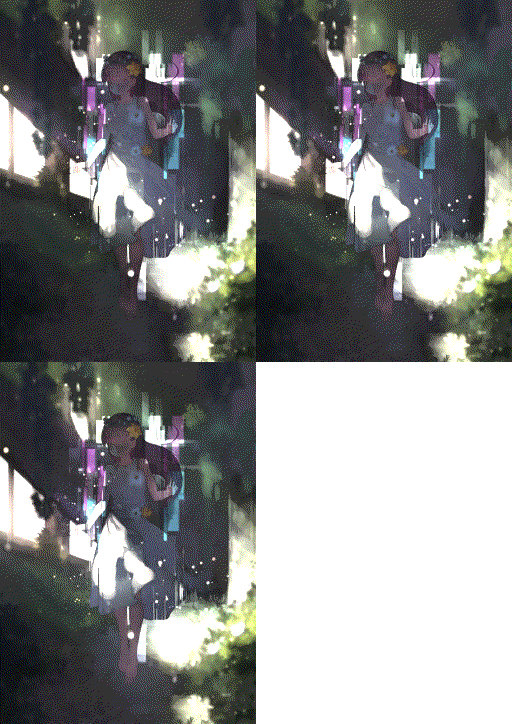
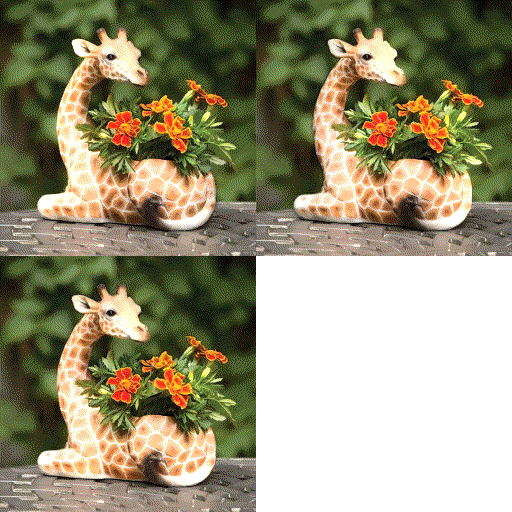
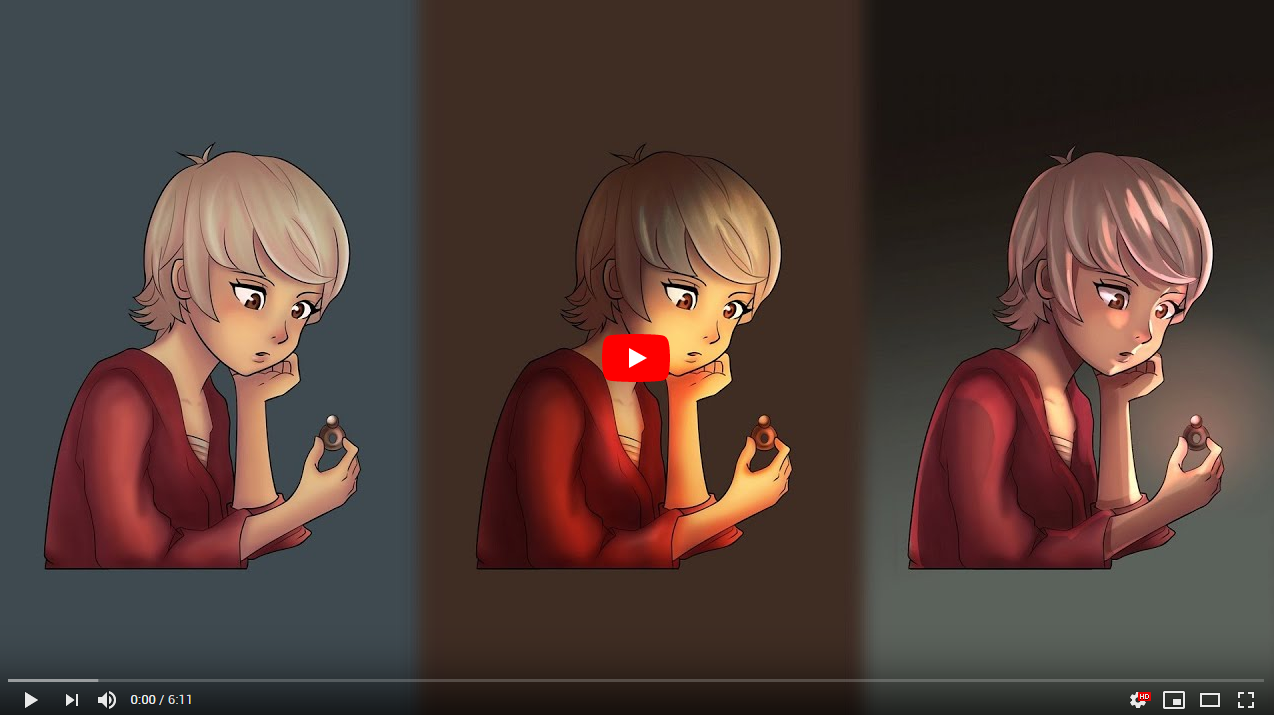
PaintingLight is a project conducted by the Style2Paints team, aimed at finding a method to manipulate the illumination in digital paintings. The project started at about 2019 January, and the core algorithm is accepted by ACM Transitions on Graphics at 2020.

Because digital painting illumination data is not easy to obtain, this algorithm does not use deep learning. The core idea is to make use of color geometry to build up a perceptually workable relighting system. Such relighting may not be physically accurate, but are good enough for artistic use cases.

Note that the project is still in its technical researching stage. If you are a digital painting artist and you accidentally find this page, you may have to wait for our ongoing PhotoShop plug-in for practical usages.

Technical Paper

Please refer to our project page for our TOG/SIGGRAPH paper.

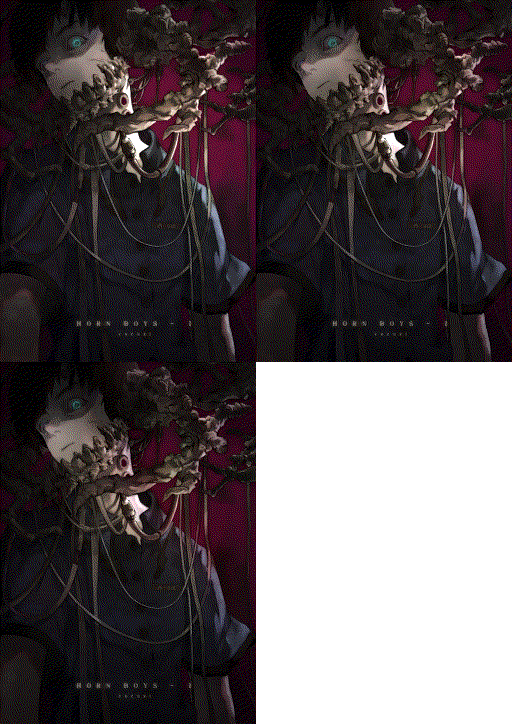
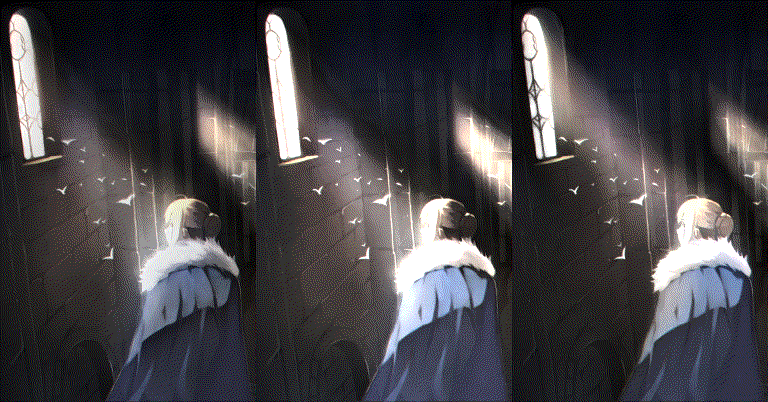
(c) artwork traced by ToS2P from an artwork by David Revoy under CC-BY license, www.peppercarrot.com

Video and Animated Demos
video_link

(c) artwork traced by ToS2P from an artwork by David Revoy under CC-BY license, www.peppercarrot.com

Installation

The codes have been tested for python 3.6 in both Windows 10 and Ubuntu 16.04. (If you use windows then python 3.6 is a must.)

To download codes:

git clone https://github.com/lllyasviel/PaintingLight.git
cd PaintingLight
cd code

To install some environment:

pip install opencv-python
pip install opencv-contrib-python
pip install h5py

To install some super accurate environment:

pip install tensorflow==1.4.0
pip install scipy==1.1.0
pip install trimesh==2.37.1

Then install the rtree package. The original rtree does not support windows, nevertheless here I provide a windows binary so that you can directly install it.

(linux only) sudo apt install libspatialindex-dev
(linux only) pip install rtree==0.9.3

(windows only) pip install Rtree-0.9.3-cp36-cp36m-win_amd64.whl

To install pyembree to enable GPU ray tracing:

(Optional, you can skip this step if you do not care about speed.)

Linux Pyembree

Windows Pyembree

Playing with Examples

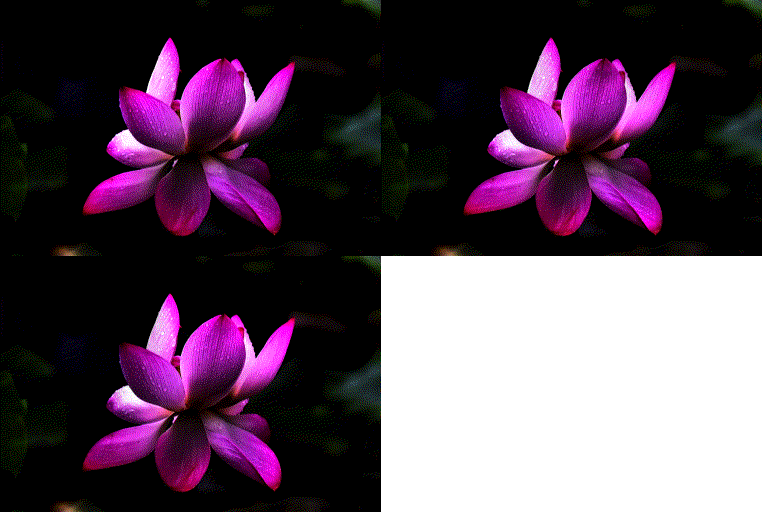
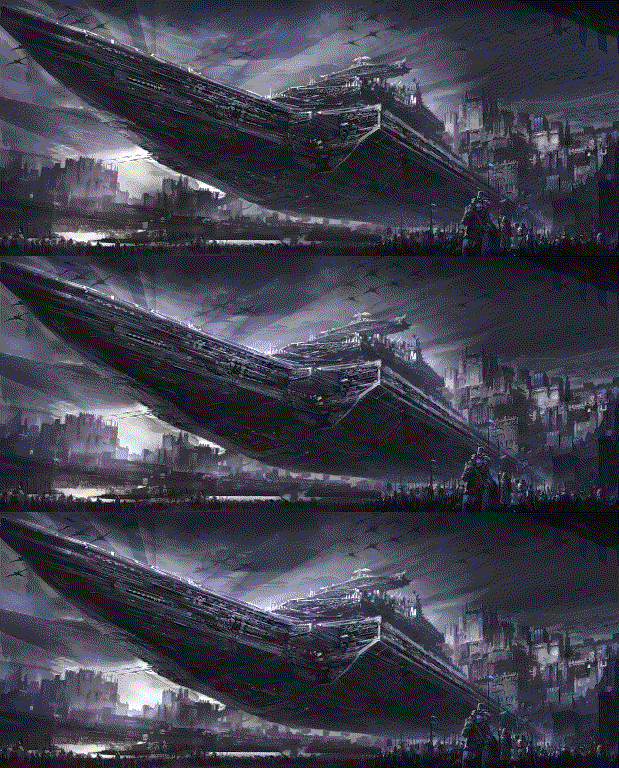
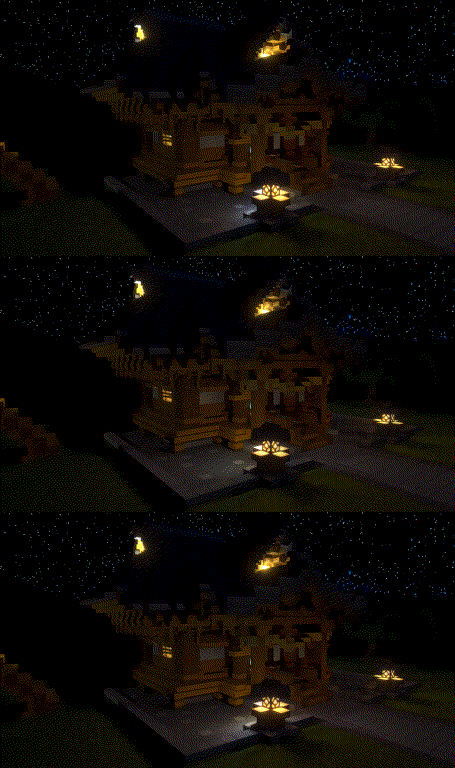
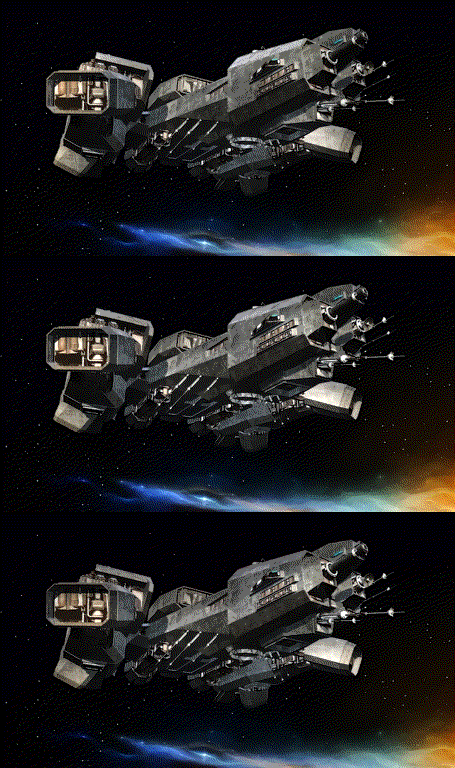
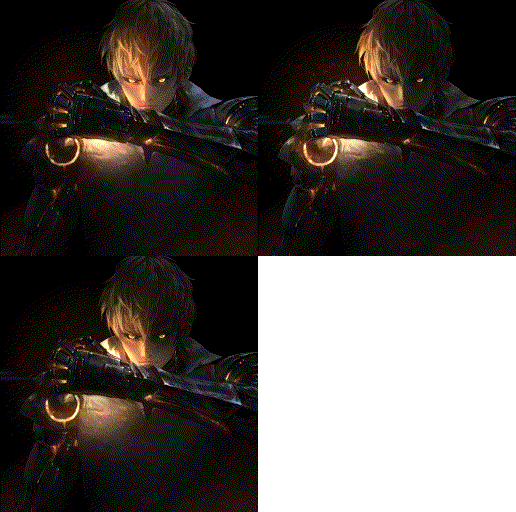
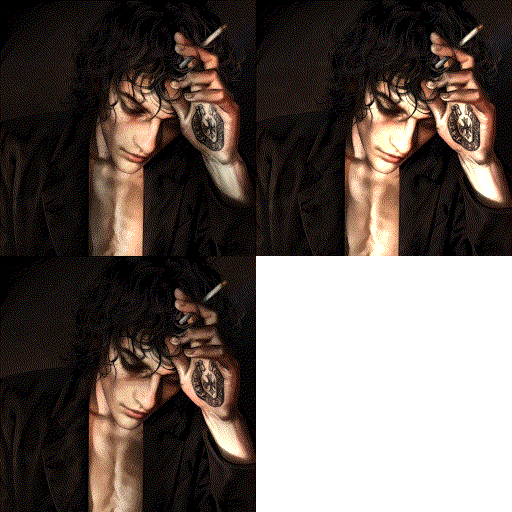
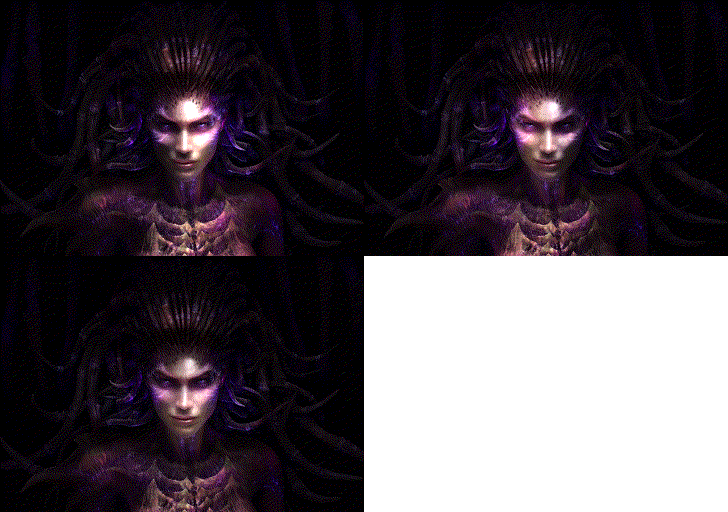
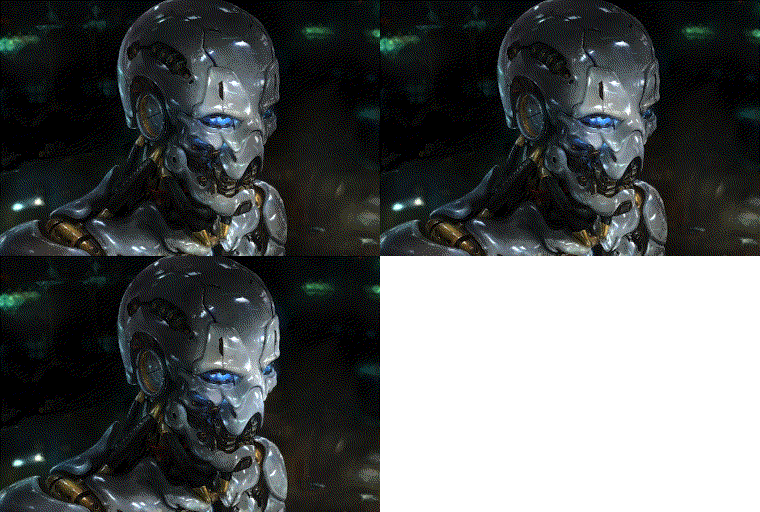
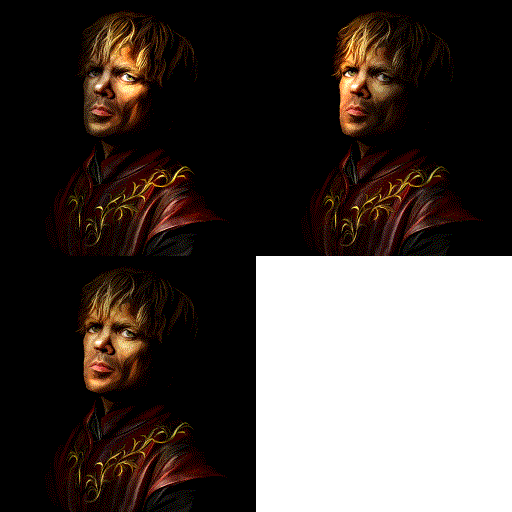
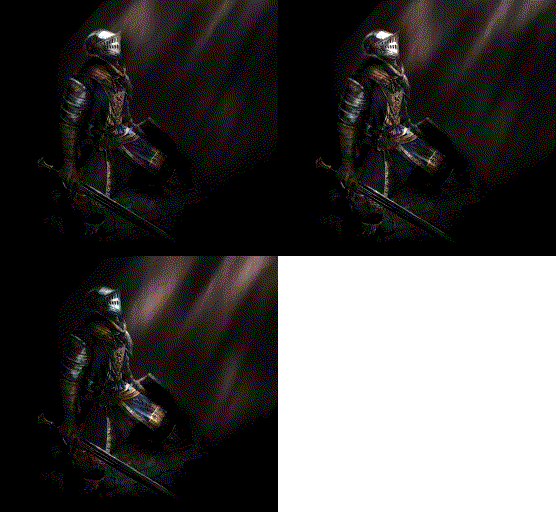
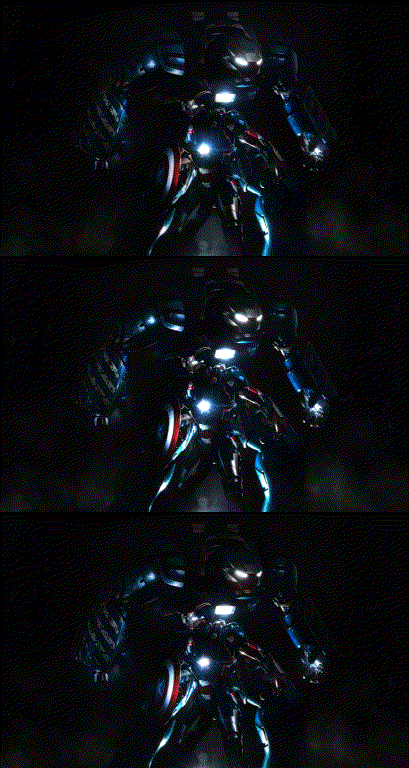
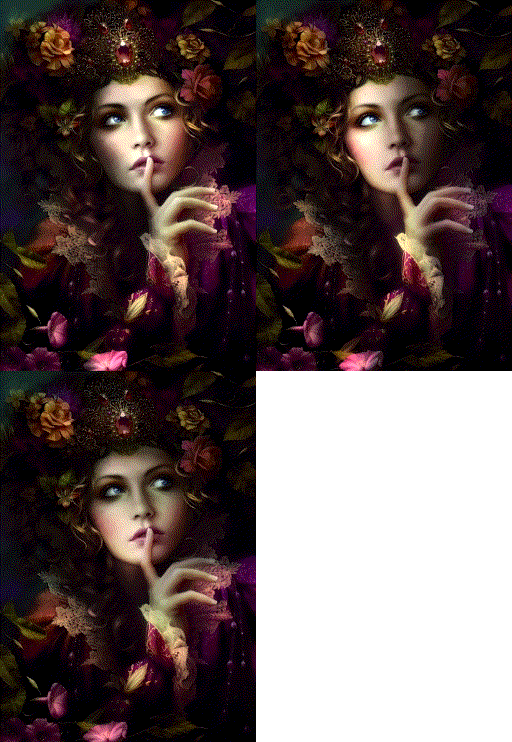
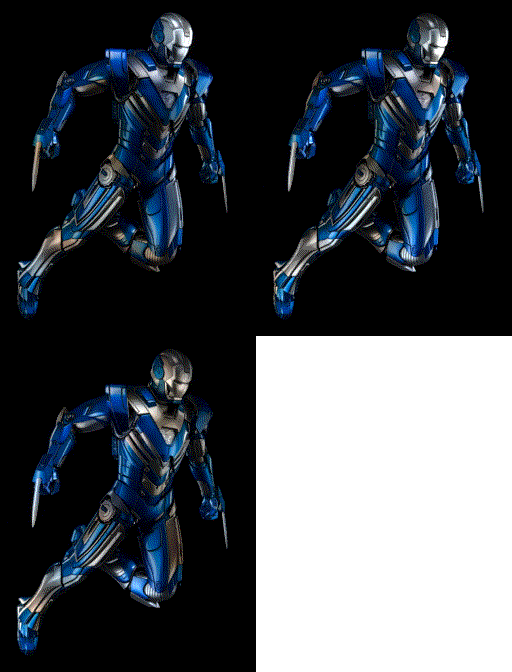
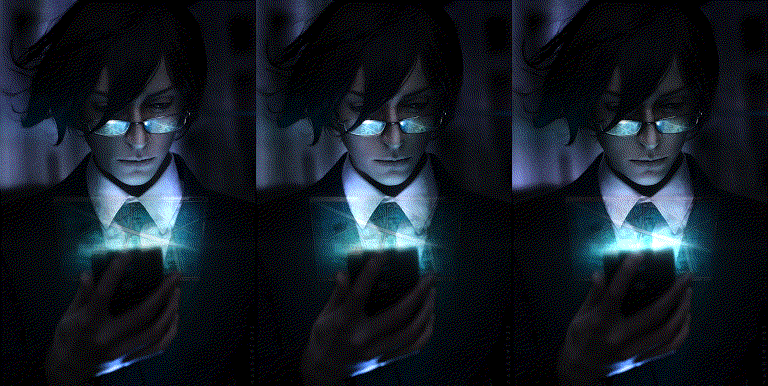
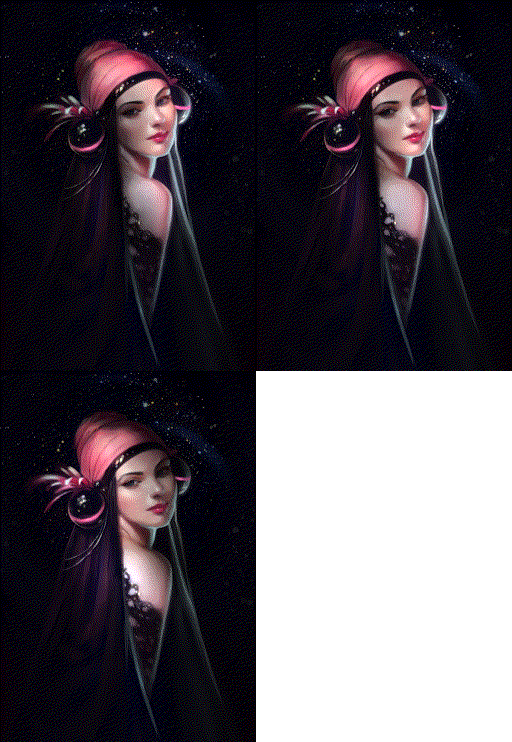
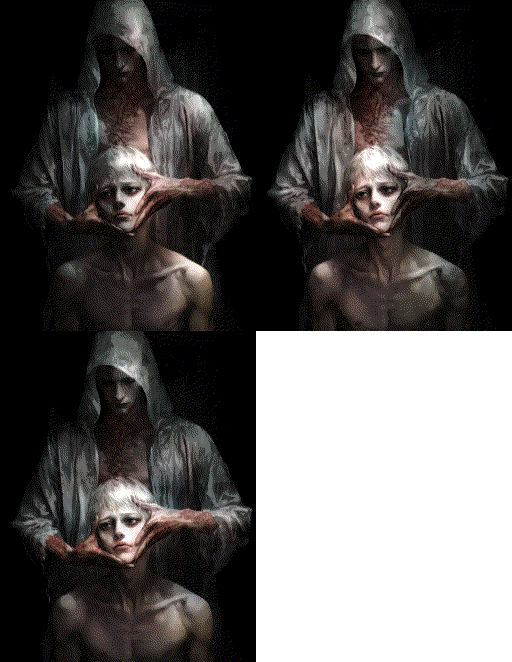
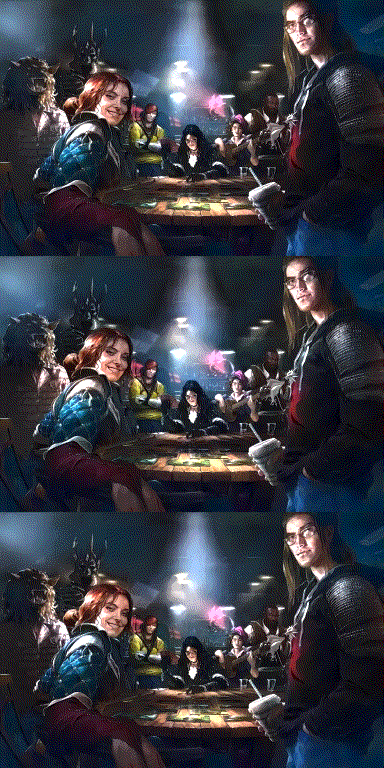
You may directly play with our interactive examples!

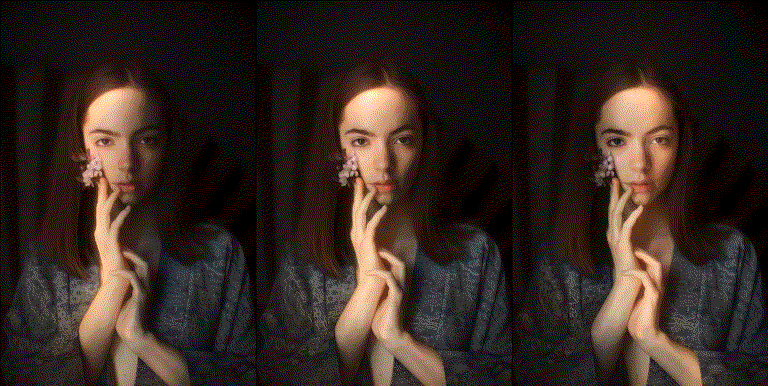
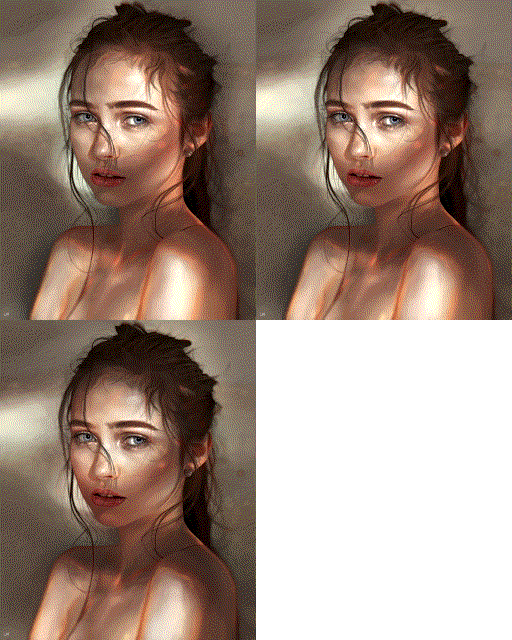
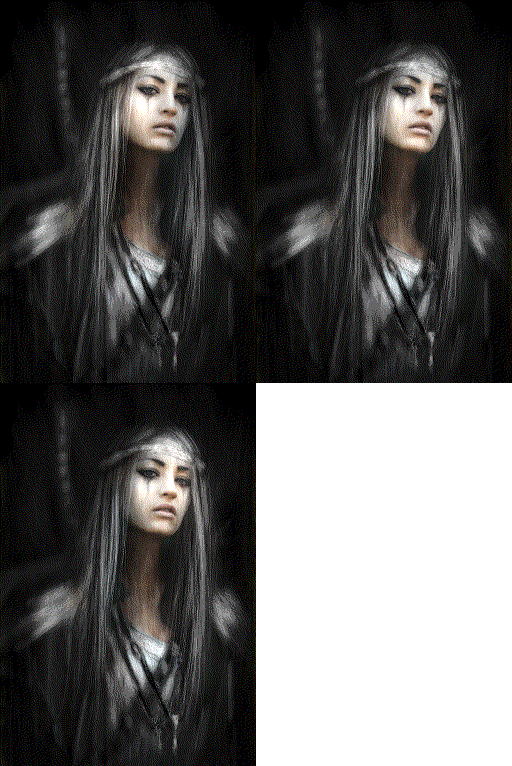
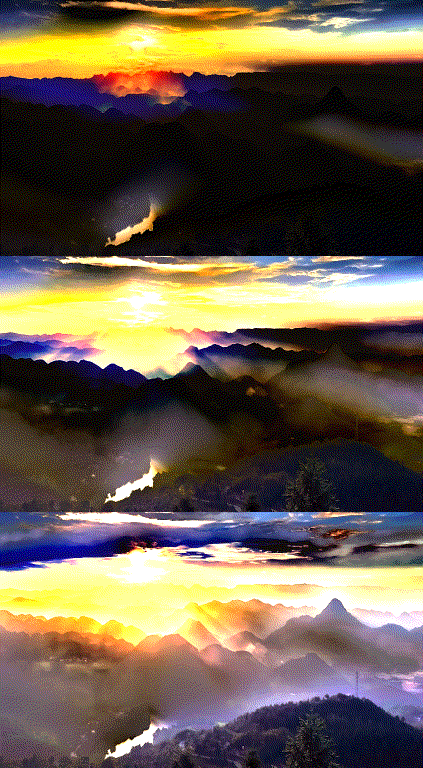
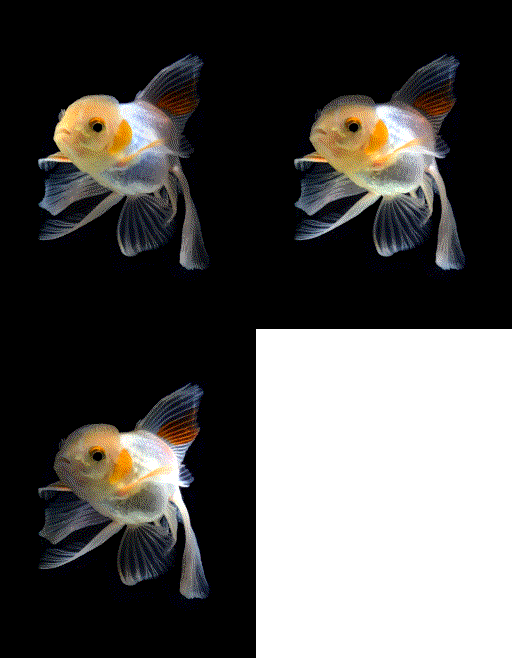
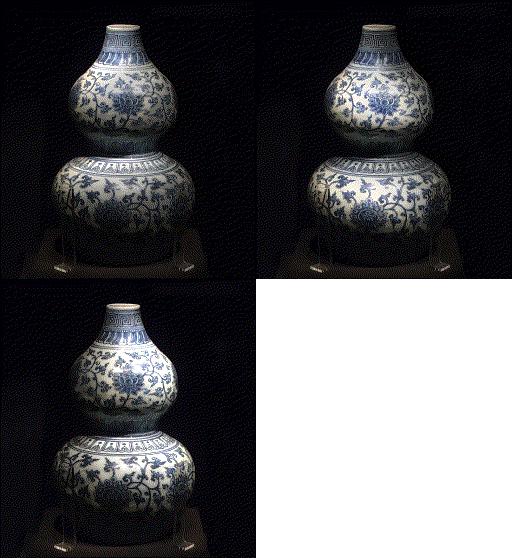
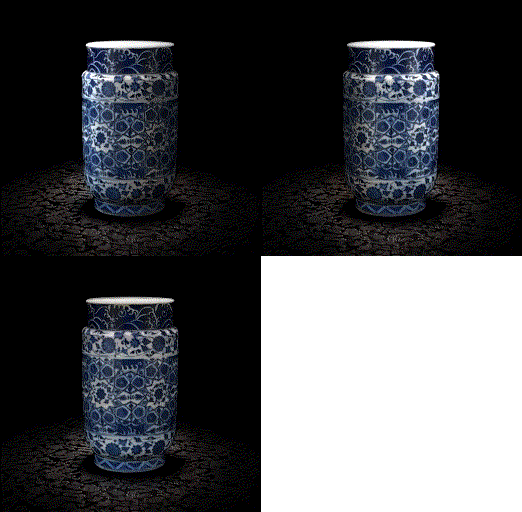
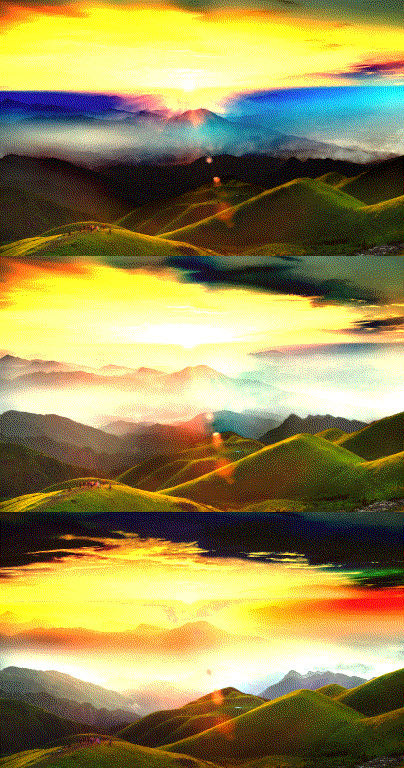
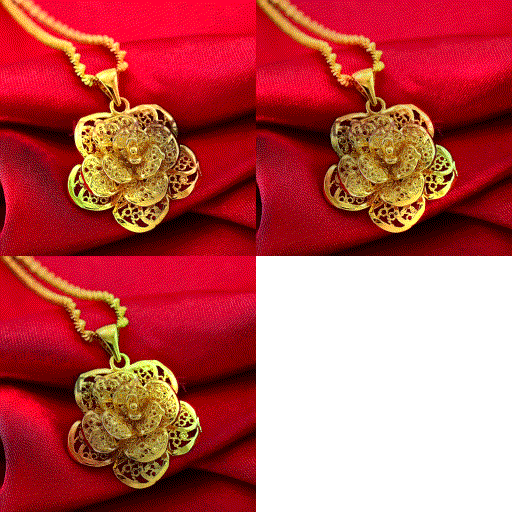
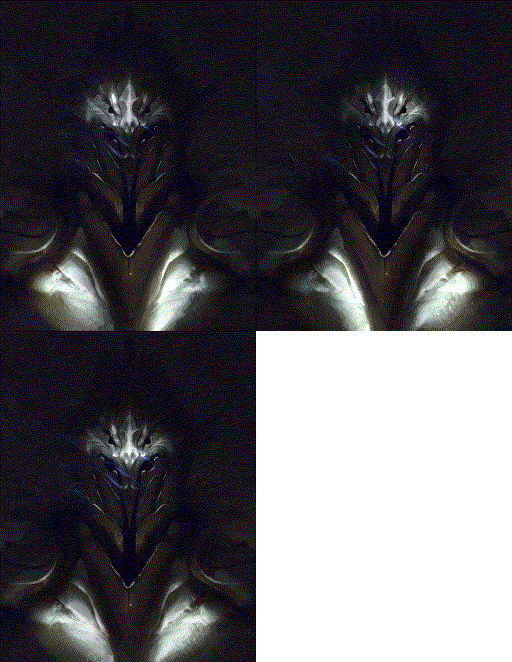
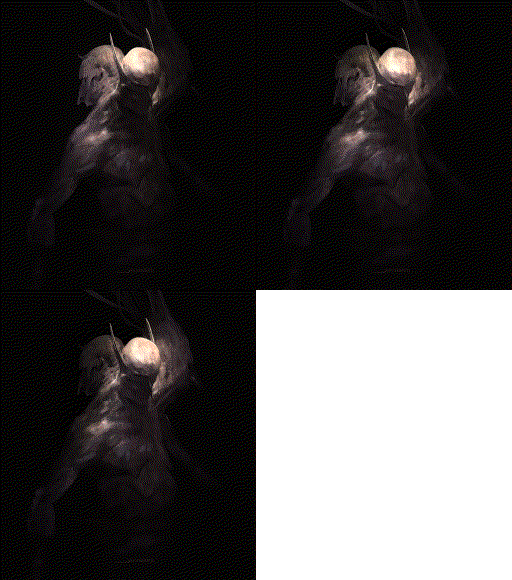
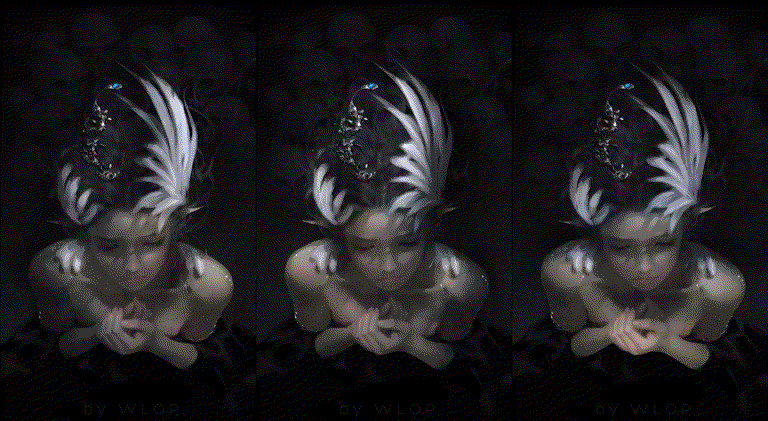
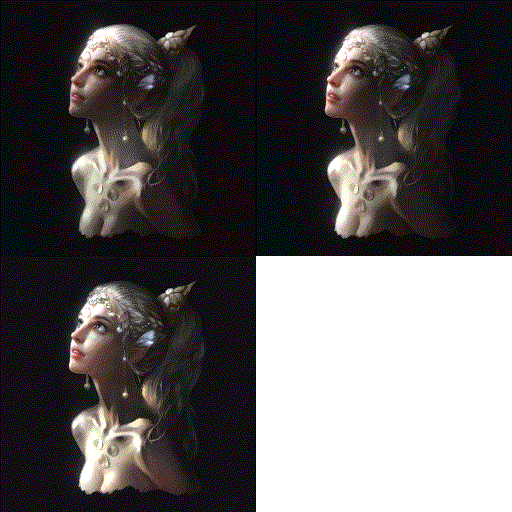
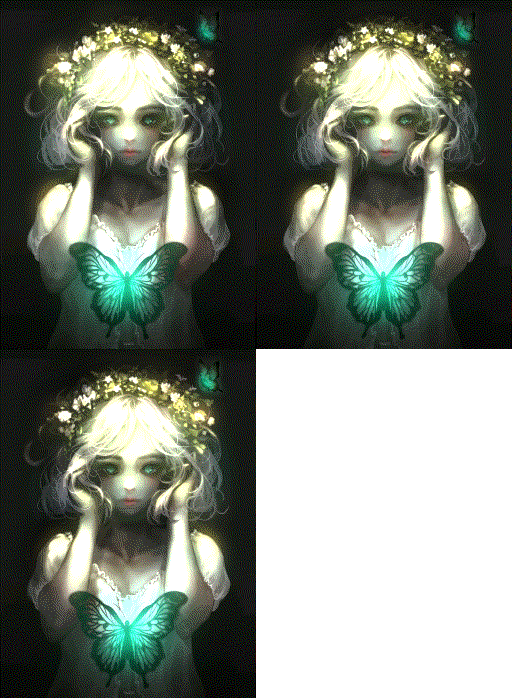
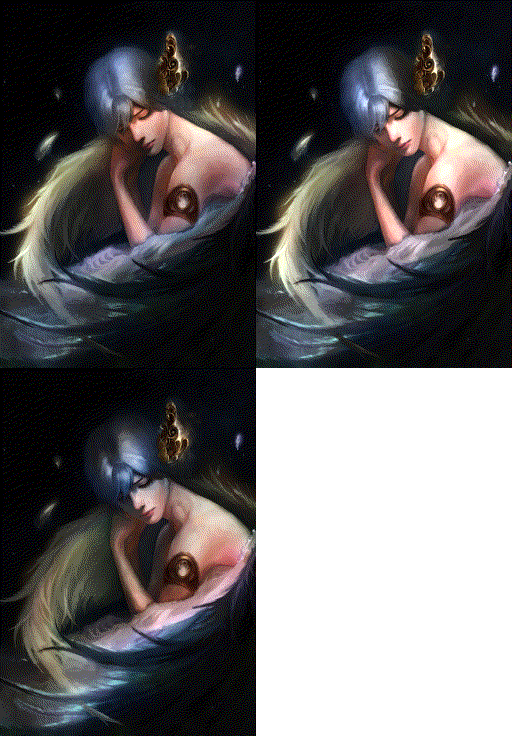
The image noise artifacts in this webpage is caused by web GIF compression.

These artifacts do not exist when you try on your own.
002 * Example 002
* Not need a mask
* Input image "002.jpg"


To try it:

---
>> python example002.py
---


Image has copyrights.
003 * Example 003
* Not need a mask
* Input image "003.jpg"


To try it:

---
>> python example003.py
---


Image has copyrights.
004 * Example 004
* Not need a mask
* Input image "004.jpg"


To try it:

---
>> python example004.py
---


Image has copyrights.
005 * Example 005
* Not need a mask
* Input image "005.jpg"


To try it:

---
>> python example005.py
---


Image has copyrights.
006 * Example 006
* Not need a mask
* Input image "006.jpg"


To try it:

---
>> python example006.py
---


Image has copyrights.
007 * Example 007
* Not need a mask
* Input image "007.jpg"


To try it:

---
>> python example007.py
---


Image has copyrights.
008 * Example 008
* Not need a mask
* Input image "008.jpg"


To try it:

---
>> python example008.py
---


Image has copyrights.
009 * Example 009
* Not need a mask
* Input image "009.jpg"


To try it:

---
>> python example009.py
---


Image has copyrights.
010 * Example 010
* Not need a mask
* Input image "010.jpg"


To try it:

---
>> python example010.py
---


Image has copyrights.
011 * Example 011
* Not need a mask
* Input image "011.jpg"


To try it:

---
>> python example011.py
---


Image has copyrights.
012 * Example 012
* Not need a mask
* Input image "012.jpg"


To try it:

---
>> python example012.py
---


Image has copyrights.
013 * Example 013
* Not need a mask
* Input image "013.jpg"


To try it:

---
>> python example013.py
---


Image has copyrights.
014 * Example 014
* Not need a mask
* Input image "014.jpg"


To try it:

---
>> python example014.py
---


Image has copyrights.
015 * Example 015
* Not need a mask
* Input image "015.jpg"


To try it:

---
>> python example015.py
---


Image has copyrights.
016 * Example 016
* Not need a mask
* Input image "016.jpg"


To try it:

---
>> python example016.py
---


Image has copyrights.
017 * Example 017
* Not need a mask
* Input image "017.jpg"


To try it:

---
>> python example017.py
---


Image has copyrights.
018 * Example 018
* Not need a mask
* Input image "018.jpg"


To try it:

---
>> python example018.py
---


Image has copyrights.
019 * Example 019
* Not need a mask
* Input image "019.jpg"


To try it:

---
>> python example019.py
---


Image has copyrights.
020 * Example 020
* Not need a mask
* Input image "020.jpg"


To try it:

---
>> python example020.py
---


Image has copyrights.
021 * Example 021
* Not need a mask
* Input image "021.jpg"


To try it:

---
>> python example021.py
---


Image has copyrights.
022 * Example 022
* Not need a mask
* Input image "022.jpg"


To try it:

---
>> python example022.py
---


Image has copyrights.
023 * Example 023
* Not need a mask
* Input image "023.jpg"


To try it:

---
>> python example023.py
---


Image has copyrights.
024 * Example 024
* Not need a mask
* Input image "024.jpg"


To try it:

---
>> python example024.py
---


Image has copyrights.
025 * Example 025
* Not need a mask
* Input image "025.jpg"


To try it:

---
>> python example025.py
---


Image has copyrights.
026 * Example 026
* Not need a mask
* Input image "026.jpg"


To try it:

---
>> python example026.py
---


Image has copyrights.
027 * Example 027
* Not need a mask
* Input image "027.jpg"


To try it:

---
>> python example027.py
---


Image has copyrights.
028 * Example 028
* Not need a mask
* Input image "028.jpg"


To try it:

---
>> python example028.py
---


Image has copyrights.
029 * Example 029
* Not need a mask
* Input image "029.jpg"


To try it:

---
>> python example029.py
---


Image has copyrights.
030 * Example 030
* Not need a mask
* Input image "030.jpg"


To try it:

---
>> python example030.py
---


Image has copyrights.
031 * Example 031
* Not need a mask
* Input image "031.jpg"


To try it:

---
>> python example031.py
---


Image has copyrights.
032 * Example 032
* Not need a mask
* Input image "032.jpg"


To try it:

---
>> python example032.py
---


Image has copyrights.
033 * Example 033
* Not need a mask
* Input image "033.jpg"


To try it:

---
>> python example033.py
---


Image has copyrights.
034 * Example 034
* Not need a mask
* Input image "034.jpg"


To try it:

---
>> python example034.py
---


Image has copyrights.
035 * Example 035
* Not need a mask
* Input image "035.jpg"


To try it:

---
>> python example035.py
---


Image has copyrights.
036 * Example 036
* Not need a mask
* Input image "036.jpg"


To try it:

---
>> python example036.py
---


Image has copyrights.
037 * Example 037
* Not need a mask
* Input image "037.jpg"


To try it:

---
>> python example037.py
---


Image has copyrights.
038 * Example 038
* Not need a mask
* Input image "038.jpg"


To try it:

---
>> python example038.py
---


Image has copyrights.
039 * Example 039
* Not need a mask
* Input image "039.jpg"


To try it:

---
>> python example039.py
---


Image has copyrights.
040 * Example 040
* Not need a mask
* Input image "040.jpg"


To try it:

---
>> python example040.py
---


Image has copyrights.
041 * Example 041
* Not need a mask
* Input image "041.jpg"


To try it:

---
>> python example041.py
---


Image has copyrights.
042 * Example 042
* Not need a mask
* Input image "042.jpg"


To try it:

---
>> python example042.py
---


Image has copyrights.
043 * Example 043
* Not need a mask
* Input image "043.jpg"


To try it:

---
>> python example043.py
---


Image has copyrights.
044 * Example 044
* Not need a mask
* Input image "044.jpg"


To try it:

---
>> python example044.py
---


Image has copyrights.

Playing with Examples with Masks

045 * Example 045
* Need a mask
* Input image "045.jpg"


To try it:

---
>> python example045.py
---


Image has copyrights.

Playing with Your Own Images

Just try:

python default.py your_image.png

It is also possible to edit parameters in default.py. See codes for detals.

Note that big images may cause a out-of-memory error. See Here. Please resize your images to about 512px before processing.

FAQs

Q: It is mentioned that this project does not using 
   deep learning, then why it is still required to install tensorflow?

A: This is because we use SRCNN, a tensorflow neural network, to 
   pre-process input images in order to remove JPEG artifacts. Therefore 
   you still need to install tensorflow with a proper version.

Q: I am trying with my own images. Can you explain 
   the parameters so that I can get better results?

A: Here we list all possible parameters:

image:                               the input image.

mask:                                a paired mask. you can set it to None as it is optional.

ambient_intensity:                   the environment ambient light intensity. 0.45 recommended.

light_intensity:                     the intensity of your light. 0.85 recommended.

light_source_height:                 the height of your light source. It is the distance 
                                     from the image to your light source. 1.0 recommended.
                            
gamma_correction:                    the gamma correction parameter. It is a common parameter in 
                                     many digital cameras or smartphone cameras, and we provide 
                                     it if necessary. 1.0 recommended.
                            
stroke_density_clipping:             a scalar to clip the stroke density. Bigger number results 
                                     in sharper results. 1.2 recommended.
                            
enabling_multiple_channel_effects:   whether to generate multiple-channel lighting 
                                     effects. True recommended.
                                     
light_color_red:                     color of your light. 1.0 recommended.

light_color_green:                   color of your light. 1.0 recommended.

light_color_blue:                    color of your light. 1.0 recommended.

Q: I am currently trying with flat cell illustrations or line drawings, but 
   the results are bad. Is this method not suitable to line drawings and flat 
   cell illustrations?

A: This method not suitable to line drawings and flat cell illustrations. This 
   is because the main technique of this algorithm is called stroke density. 
   The algorithm fails if the input image do not contain such strokes or 
   similar patterns.

Q: I have tried many parameters but I am still not very satisfied. 
    What can I do to realize the full potential of this algorithm?

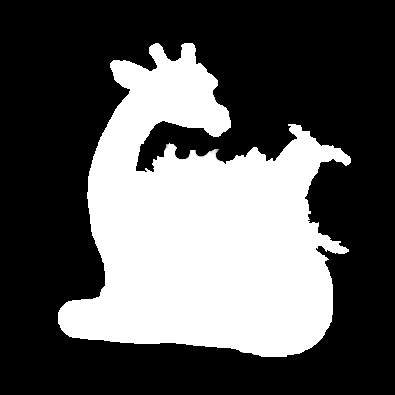
A: If you really need you may manually annotate a mask and use the masked mode. 
   You may see also the code for the “Playing with Examples with Masks” examples.

Citation

@Article{ZhangTOG2020,
   author    = {Lvmin Zhang and Edgar Simo-Serra and Yi Ji and Chunping Liu},
   title     = {{Generating Digital Painting Lighting Effects via RGB-space Geometry}},
   journal   = "Transactions on Graphics (Presented at SIGGRAPH)",
   year      = 2020,
   volume    = 39,
   number    = 2,
}

中文社区

我们有一个除了技术什么东西都聊的以技术交流为主的宇宙超一流二次元相关技术交流吹水群“纸片协会”。如果你一次加群失败,可以多次尝试。

纸片协会总舵:184467946
Comments
  • Important Installation Note & Bug Report about Memory Usage

    Important Installation Note & Bug Report about Memory Usage

    First of all, thank you for providing such an awesome research project!

    Important Installation Note: (code version:07d12f2) 1.For Windows user, Python version must be Python 3.6 x86-64. Higher python version doesn't support the pre-compiled whl file. You will receive the following error info if incorrect python version is used:

    Rtree-0.9.3-cp36-cp36m-win_amd64.whl is not a supported wheel on this platform.


    2. If you get the following error:

    ImportError: 'load_model' requires h5py.

    then you need to install h5py: pip install h5py


    3. [BUG] The 'ray intersecting process' sometimes consumes more than 5GB of physical memory, which will lead to crash with a "Memory Error" info.

    (MemoryError: Unable to allocate XXX. MiB for an array with shape (XXXXXX, 3) and data type float64)

    In addition, it sometimes (about 70% probability) causes the whole operating system to become frozen (without giving any error information, just keeps showing Begin ray intersecting ...). The reason may be that all the physical memory is used up. (And the physical memory usage of python.exe increase too fast so that windows memory management doesn't have enough time to swap it to the virtual memory.) When my computer is frozen, I can't move the cursor or open the Task Manager, and the keyboard does not respond. The only solution is to forcely reboot the computer by pressing the power button. It's quite a strange bug!

    [Workaround] I finally found a workaround to prevent my computer from being frozen. Use Process Governor to limit the memory usage of 'python.exe'. Command: procgov64 --maxmem 5000M python default.py image.png

    After I use the tool, though the "memory error" persists, my computer won't get frozen!

    Hardware and software environment: OS: Win 8.1 x64 Physical memory: 8GB Pyembree not installed.


    I know it's quite HARD to develop such a complex research project. Hope the above information could benefit other users and help the authors to fix the bug.


    [Update_2020-06-09]

    1. Solved. This has been added to readme.md.
    2. Solved. This has been added to readme.md.
    3. It seems that this system frozen bug ONLY occurs when physical memory is equal to or less than 8GB. (For default 512px image examples.)

    A BETTER solution is Here! (This solution can prevent the system from being frozen.)

    opened by gceboh 11
  • License issue

    License issue

    Hey,

    The artwork here: https://github.com/lllyasviel/PaintingLight/blob/master/index_files/paintlight_title.jpg published on https://lllyasviel.github.io/PaintingLight/ is an artwork traced from my art and a copy of my OC and design of Shichimi... source comic page for proof: https://www.peppercarrot.com/0_sources/0ther/artworks/hi-res/2016-08-16_comic-page_from-A-to-Z_tutorial_by-David-Revoy.jpg

    But! I publish this art under Creative Commons attribution 4.0 International to "David Revoy"; it allows you to do use it, do derivation, etc. I just request here you write somewhere "artwork traced by <insertnamehere> from an artwork by David Revoy under CC-BY license, www.peppercarrot.com" . Thanks!

    opened by Deevad 8
  • SRCNN.NET does not load

    SRCNN.NET does not load

    Expected Output: Model would load and proceed to show lighting of examples/custom image

    Obtained Output: Failure to load model with the correct dependencies installed. Error reason is unknown but can be guessed at where the root issue is.

    Code snippet

    Traceback (most recent call last): File "example001.py", line 18, in <module> from ProjectPaintingLight import run File "C:\Users\prome\PycharmProjects\PaintingLight\PaintingLight-master\code\ProjectPaintingLight.py", line 26, in <module> srcnn = tf.keras.models.load_model('srcnn.net') File "C:\Users\prome\PycharmProjects\PaintingLight\core\lib\site-packages\tensorflow\python\keras\_impl\keras\models.py", line 244, in load_model model_config = json.loads(model_config.decode('utf-8')) AttributeError: 'str' object has no attribute 'decode'

    I have gotten this program to work in the past, varies on day I installed python, some builds it will work, some builds it won't, even if they use the same dependencies and so on... A standalone version (packaged) or even a docker image might be useful, as this "app" is touchy enough to break from a number of other factors.

    opened by 78Alpha 7
  • Seriously, the licence needs fixed.

    Seriously, the licence needs fixed.

    There's been interest in adding this to Krita, but given people will use Krita for commercial works it's necessary to know how this project can be used. The Apache Licences in this repo would permit it; however, the copyright claim on the project's page would not.

    opened by VegaDeftwing 7
  • Small advice about readme.md

    Small advice about readme.md

    Small Advice about readme.md:

    1. At readme.md line 33: I suggest change "super accurate" to "Image super resolution".

    2. About the license statement: Licensed by Style2Paints for noncommercial research use only. Currently the license statement only appears in the project page, but not in readme.md. I suggest add the License statement to readme.md. (Note that the above license statement is contrary with the license file lies in the root dir. The Apache License 2.0 allows for "Commercial use". Probably the root license file is wrong.)

    3. By the way, style2paints also seems to suffer from the license file problem.

    Hope these are helpful!

    opened by gceboh 4
  • not an issue really but really have no idea where to ask

    not an issue really but really have no idea where to ask

    how exactly do i save my results? i've been loving playing arround with this but i just wish i knew how to save some angles since some of these look very impressive

    opened by pokeheadroom 2
  • error:1407742E:SSL routines:SSL23_GET_SERVER_HELLO:tlsv1 alert protocol version

    error:1407742E:SSL routines:SSL23_GET_SERVER_HELLO:tlsv1 alert protocol version

    This error comes out fatal: unable to access 'https://github.com/lllyasviel/PaintingLight.git/': error:1407742E:SSL routines:SSL23_GET_SERVER_HELLO:tlsv1 alert protocol version

    opened by ash00013 0
  • Cv2 Module Not Found

    Cv2 Module Not Found

    I get an error when execute python default.py my_image.png This: Traceback (most recent call last): File "default.py", line 1, in import cv2 ModuleNotFoundError: No module named 'cv2'

    What can i do?

    opened by Oltrex 0
  • Attribute Error: 'str' object has no attribute 'decode'

    Attribute Error: 'str' object has no attribute 'decode'

    Hi, I have followed the instructions on both Weight and Biases and GitHub Readme. I was using anaconda, created a Python 3.6.12, I have successfully installed everything except Pyembree. However, as I tried to run an example, I was greeted with Attribute Error: 'str' object has no attribute 'decode' Note: I am new to Github, so I don't know if there is something I did wrong.

    Kind regards Ian Attribute error

    opened by I201IH 1
Releases(files)
Owner
Code release for General Greedy De-bias Learning

General Greedy De-bias for Dataset Biases This is an extention of "Greedy Gradient Ensemble for Robust Visual Question Answering" (ICCV 2021, Oral). T

4 Mar 15, 2022
Code for 1st place solution in Sleep AI Challenge SNU Hospital

Sleep AI Challenge SNU Hospital 2021 Code for 1st place solution for Sleep AI Challenge (Note that the code is not fully organized) Refer to the notio

Saewon Yang 13 Jan 03, 2022
Official implementation of the paper DeFlow: Learning Complex Image Degradations from Unpaired Data with Conditional Flows

DeFlow: Learning Complex Image Degradations from Unpaired Data with Conditional Flows Official implementation of the paper DeFlow: Learning Complex Im

Valentin Wolf 86 Nov 16, 2022
This repo includes our code for evaluating and improving transferability in domain generalization (NeurIPS 2021)

Transferability for domain generalization This repo is for evaluating and improving transferability in domain generalization (NeurIPS 2021), based on

gordon 9 Nov 29, 2022
ParaGen is a PyTorch deep learning framework for parallel sequence generation

ParaGen is a PyTorch deep learning framework for parallel sequence generation. Apart from sequence generation, ParaGen also enhances various NLP tasks, including sequence-level classification, extrac

Bytedance Inc. 169 Dec 22, 2022
Experimental Python implementation of OpenVINO Inference Engine (very slow, limited functionality). All codes are written in Python. Easy to read and modify.

PyOpenVINO - An Experimental Python Implementation of OpenVINO Inference Engine (minimum-set) Description The PyOpenVINO is a spin-off product from my

Yasunori Shimura 7 Oct 31, 2022
an implementation of softmax splatting for differentiable forward warping using PyTorch

softmax-splatting This is a reference implementation of the softmax splatting operator, which has been proposed in Softmax Splatting for Video Frame I

Simon Niklaus 338 Dec 28, 2022
PyTorchMemTracer - Depict GPU memory footprint during DNN training of PyTorch

A Memory Tracer For PyTorch OOM is a nightmare for PyTorch users. However, most

Jiarui Fang 9 Nov 14, 2022
A Repository of Community-Driven Natural Instructions

A Repository of Community-Driven Natural Instructions TLDR; this repository maintains a community effort to create a large collection of tasks and the

AI2 244 Jan 04, 2023
Using knowledge-informed machine learning on the PRONOSTIA (FEMTO) and IMS bearing data sets. Predict remaining-useful-life (RUL).

Knowledge Informed Machine Learning using a Weibull-based Loss Function Exploring the concept of knowledge-informed machine learning with the use of a

Tim 43 Dec 14, 2022
This is the official implementation of TrivialAugment and a mini-library for the application of multiple image augmentation strategies including RandAugment and TrivialAugment.

Trivial Augment This is the official implementation of TrivialAugment (https://arxiv.org/abs/2103.10158), as was used for the paper. TrivialAugment is

AutoML-Freiburg-Hannover 94 Dec 30, 2022
A fast implementation of bss_eval metrics for blind source separation

fast_bss_eval Do you have a zillion BSS audio files to process and it is taking days ? Is your simulation never ending ? Fear no more! fast_bss_eval i

Robin Scheibler 99 Dec 13, 2022
Graph Posterior Network: Bayesian Predictive Uncertainty for Node Classification (NeurIPS 2021)

Graph Posterior Network This is the official code repository to the paper Graph Posterior Network: Bayesian Predictive Uncertainty for Node Classifica

Maximilian Stadler 30 Dec 05, 2022
This is the formal code implementation of the CVPR 2022 paper 'Federated Class Incremental Learning'.

Official Pytorch Implementation for GLFC [CVPR-2022] Federated Class-Incremental Learning This is the official implementation code of our paper "Feder

Race Wang 57 Dec 27, 2022
Multiple Object Tracking with Yolov5!

Tracking with yolov5 This implementation is for who need to tracking multi-object only with detector. You can easily track mult-object with your well

9 Nov 08, 2022
Implement object segmentation on images using HOG algorithm proposed in CVPR 2005

HOG Algorithm Implementation Description HOG (Histograms of Oriented Gradients) Algorithm is an algorithm aiming to realize object segmentation (edge

Leo Hsieh 2 Mar 12, 2022
Multi-robot collaborative exploration and mapping through Voronoi partition and DRL in unknown environment

Voronoi Multi_Robot Collaborate Exploration Introduction In the unknown environment, the cooperative exploration of multiple robots is completed by Vo

PeaceWord 6 Nov 22, 2022
Code accompanying the paper Shared Independent Component Analysis for Multi-subject Neuroimaging

ShICA Code accompanying the paper Shared Independent Component Analysis for Multi-subject Neuroimaging Install Move into the ShICA directory cd ShICA

8 Nov 07, 2022
Code for the paper "MASTER: Multi-Aspect Non-local Network for Scene Text Recognition" (Pattern Recognition 2021)

MASTER-PyTorch PyTorch reimplementation of "MASTER: Multi-Aspect Non-local Network for Scene Text Recognition" (Pattern Recognition 2021). This projec

Wenwen Yu 255 Dec 29, 2022
Public Implementation of ChIRo from "Learning 3D Representations of Molecular Chirality with Invariance to Bond Rotations"

Learning 3D Representations of Molecular Chirality with Invariance to Bond Rotations This directory contains the model architectures and experimental

35 Dec 05, 2022